Showing posts with label Research. Show all posts

Monday, January 14, 2013

Resources from the Library of Congress

The "Daring Librarian" shared this amazing infographic about "Teaching with the Library of Congress" on her blog today.  I hadn't taken the time to explore the resources available for teachers through the library... wow, are they impressive.  I share a few topics that I thought might be interesting for our students below:


Take a minute to explore the teacher resources (lesson plans, themed resources, primary source sets, presentations and activities, and collection connections): http://www.loc.gov/teachers/classroommaterials/

Keeping in mind the LOC is in our "neighborhood,"  it is interesting to point out there is a field trip program designed for 4th to 6th graders titled "The LOC Box Program."  Students complete the LOC Box activities to “unlock the secrets” of the historic Thomas Jefferson Building and learn about the Library of Congress and its resources. They must use four key skills: observe, analyze, communicate, and investigate. Working in small teams led by adult chaperones, students participate in hands-on activities such as drawing, solving puzzles and mosaic-making. The program provides take-home materials with additional activities to encourage the students to explore the Library’s online resources from home or school and to return for a visit with their families.  More information can be found here:  http://www.loc.gov/visit/tours/groups/locbox/

To give you a sense of some of the resources, following are four of the units that can be found in the "presentations and activities" section:

If you'd like to explore Inaugurations through history, take a look at this module.  Note that the picture of JFK was taken in front of our Lower School. Our own little piece of inaugural history


 The Branding of America

This might be an interesting element of the decades project...


Let me know if we can help you locate any additional resources from the LOC!

mb


Sunday, August 12, 2012

Notes for the Strategies for Searching, Researching and Citing Sources

Following are some notes and resources from Monday afternoon's session.

1. The Library is the place to start when guiding students to do research - and most resources can be accessed from home.


The library web page is under Academics on the home page.  Open the HTS Library page.  

The link can be found here.  

Information for students and parents is given as well as links to encyclopedias and databases from home.  Explore, learn and have fun!


We encourage you to take advantage of Britannica Encyclopedias, Grolier Suite of Encyclopedias, SIRS Discoverer® and NoodleBib Citation Maker from home.  The school subscribes so our students can find credible information without ads or popups.  Britannica and Groliers have dictionaries and atlases and give MLA citations.  All need to have cookies enabled.  To use or sign up go to the Holy Trinity Home Page – HTS Local – HTS Library Main Page and choose Library Resources from Home.  Follow the directions .


Click on the Britannica link. The username is:  holytrinityes and the password is Ktwelve.
Choose a Level to Explore, Search, and Learn:  Pre-K – 2 Learning Zone, Elementary, Middle or High School or all may be searched.
Image Quest: Access more than two million rights-cleared images from over 50 of the best collections in the world.


Click the link that takes you to the enrollment page.  Answer the four questions and submit.
Patrons 13 and younger may need to wait for parental notification but patrons 14 and older get a username and password delivered to their e-mail box immediately with further instructions and tips for access.

We subscribe to six:  Encyclopedia Americana, Grolier Multimedia, New Book of Knowledge, New Book of Popular Science, Lands and People, and America the Beautiful.  When Grolier opens you will be in what they call their Passport section.  Grolier Online for Kids, aimed at younger students, can also be accessed from here, but all encyclopedias can be accessed from both.  A dictionary, atlas and Associated Press Daily News Section written for kids are also included.


Click on the SIRS link.  The User Name is Titans123 and the Password is 20007.  (Think mascot and HTS Zip code.)

Searching for a specific topic is done in a search box or by clicking on buttons for general information.  Sources returned come from reference materials, periodicals, newspapers, web sites, Comptons Encyclopedia, World Almanac for Kids, American Heritage Dictionary, Roget’s II: New Thesaurus and photographs.  When using the citation information choose MLA format.


Each of our Upper School students should have an account with NoodleTools, which is helps them organize and properly cite their sources.

NoodleTools has a number of online tutorials to help you understand how to best use this website.  Some of the tutorials were mentioned in a previous blog entry, which can be found here.

Off campus a user who enters NoodleBib remotely will be prompted to log in to the subscription when he/she clicks "Create a Personal ID" on the login screen.  Use the name and password below for access and then create your Personal ID as above or if you already have one choose login.

Username: citations
Password: titans1112

Or if you have Microsoft Office 2007 on the References Tab are options for inserting Citations, Endnotes, Footnotes and creating Bibliographic citations.
Holy Trinity uses MLA style for citations. 

A Few Notes on using Destiny to find books in the HTS Library:


Searching and Researching on the Web - A few go-to resources.

If you would like to brush up on your Internet Searching Skills as you embark on a research project with your somewhat tech-savvy students, some of the best resources come from the website Common Sense Media, and Google Education:


I particularly like the resource to help students figure out how to identify high quality sites:

(click here for link to the handout)


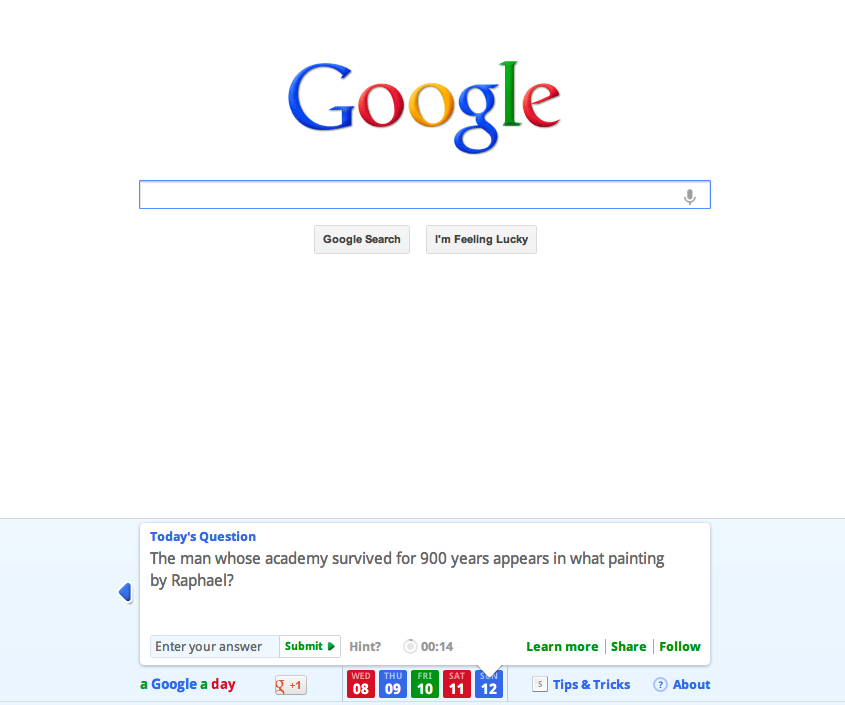
One way to practice your own search strategies is with a Google A Day Challenge:


Go ahead and try it!  It's a bit addicting :)

Google has a number of wonderful posters, with simple search tips:


And a few notes on Wikipedia.  I covered this topic in a previous blog entry, which can be found here:


Any other questions?  We are always here to help...


Thursday, September 29, 2011

Have your students discovered Quizlet?


This is a great tool for students who need to study vocabulary - for English, or for any other subject.  Students can create their own flashcard set, then use Quizlet to test themselves.  Quizlet will even take the bank of information and create a test.  This is a wonderful resource to introduce students to before they enter High School - my own kids use it all the time to review their High School subjects.

I'm happy to help set up a sample for your class, or give you a tutorial...

MB


Saturday, July 30, 2011

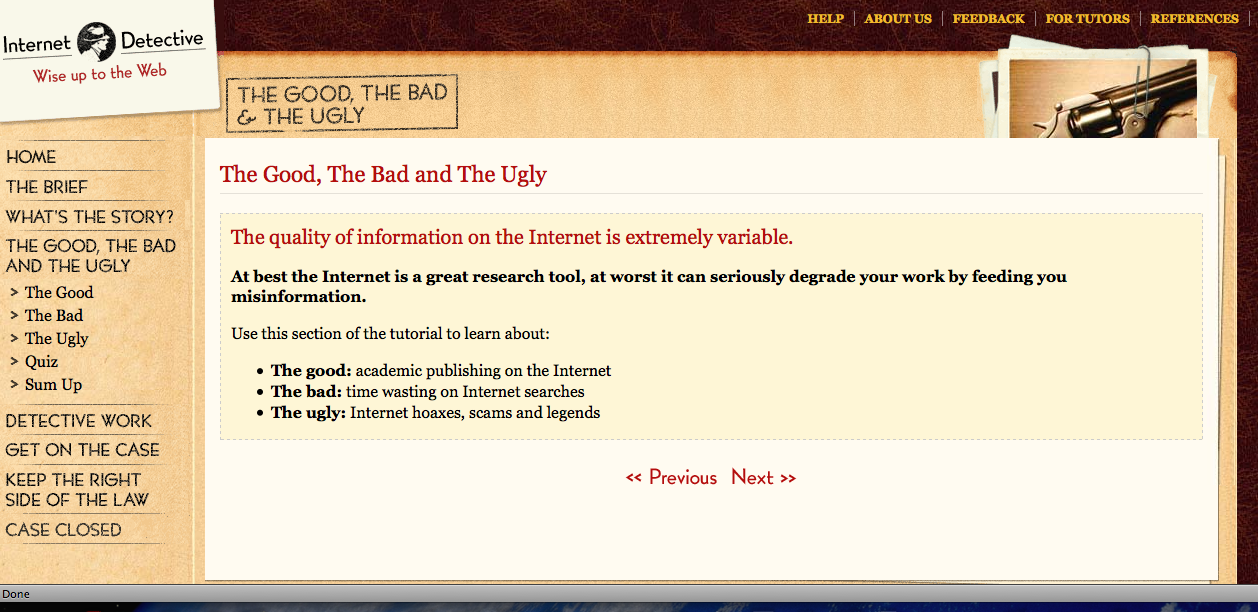
Internet Detective - The Good, The Bad and The Ugly

If you would like to better understand how to help students research effectively on the Internet, you might enjoy this resource.  Created in the UK, it was designed for University students, but communicates the issue in such a simple way that I believe much can be used with younger students, and is definitely a great resource for educators:

Internet Detective - The Good, The Bad and The Ugly

A few pages teachers might find most interesting:

The Good, The Bad and The Ugly:

  • The good: academic publishing on the Internet
  • The bad: time wasting on Internet searches
  • The ugly: Internet hoaxes, scams and legends


Detective Work:

It can pay to think like a detective:

  • Take a case-by-case approach
  • Ask questions (who, what, where) and look for clues
  • Weigh up the evidence to make a judgement


Keeping on the Right Side of the Law:

Use this section of the tutorial to learn:
  • About plagiarism and copyright - why it's not OK to copy from the web
  • About citation and referencing - why you must acknowledge your sources
  • How good you are at keeping the right side of the law - a quick quiz!


Friday, July 15, 2011

Best Practices for Fair Use

http://www.centerforsocialmedia.org/fair-use/related-materials/codes/code-best-practices-fair-use-media-literacy-education

Thursday, June 30, 2011

To use Wikipedia or not to use Wikipedia? That is the question

I have observed that our students have a natural inclination to begin their research with Wikipedia, even when I'm actively discouraging it.  I found a pair of articles on the website finding Dulcinea (Librarian of the Internet) that should help better teach the use of Wikipedia, and help better articulate why exactly the kids should be using other sources.  I thought they would be helpful to all, so here are the links:

http://www.findingdulcinea.com/guides/Education/In-The-Classroom/Wikipedia-In-The-Classroom.html


Friday, May 27, 2011

Discovery Education Streaming - Use it!

OK team, if you only explore one website this summer, Discovery Education should be the one. Created by the Discovery Channel, it engages students through dynamic curricular resources like Discovery Education streaming and Discovery Education Science.  Many of our teachers use it quite a bit.  If you are one of them, please comment and share your experiences below!!  As it is quite an expensive subscription, we'd love everyone to become familiar with the great resources available.


If you've never used it before, navigate to the passcode/new user tab and enter 13FF-53EE.  Once you enter that, you can then set up your own username and password.

And as you wander through the content, peek at the following document to inspire yourself on how best to integrate Discovery Ed streaming into your lesson plans next year:

50 Ways to Use Discovery Education Streaming